On your computer, you can set your default email program so that when you click on email addresses in browsers, your preferred email program will open to send an email. To set this up, follow the instructions below. These instructions pertain to Windows devices.
1. Go to the PC search for your computer.
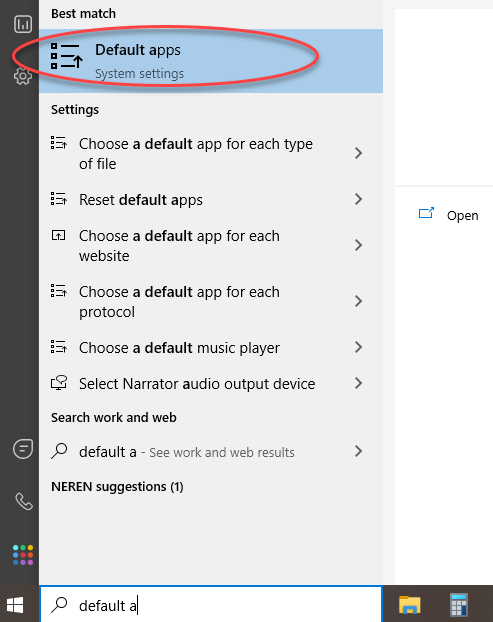
2. Enter "default apps" and select it.