If you have forgotten your password or wish to change your password for access to the PrimeMLS Dashboard, follow the below instructions.
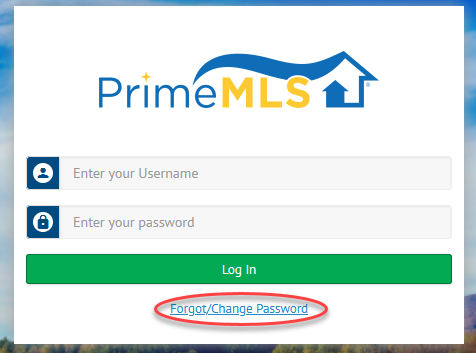
Step 1: Access myprimemls.com
- Go to myprimemls.com
- Click the "Forgot/Change Password" link at the bottom of the login section.
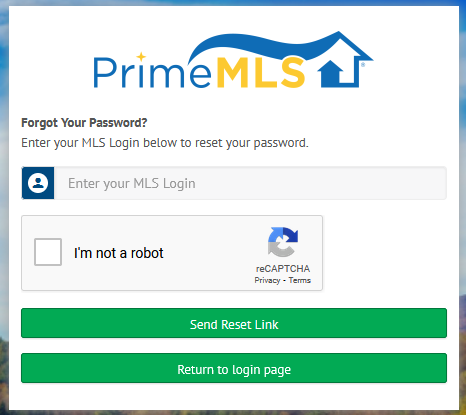
Step 2: Change your Password
- Enter your PrimeMLS Username
- Check the "I'm not a robot" box
- Click "Send Reset Link"
- A link will be sent to the email associated to your PrimeMLS account and you can follow the prompts to update your password.