Leads from the PrimeMLS Public Websites go directly to the list agent (unless Office Settings have changed this). This pages covers how it all works for you to have those free leads!
Every listing includes a "Contact the List Agent" feature and that is how leads are submitted.
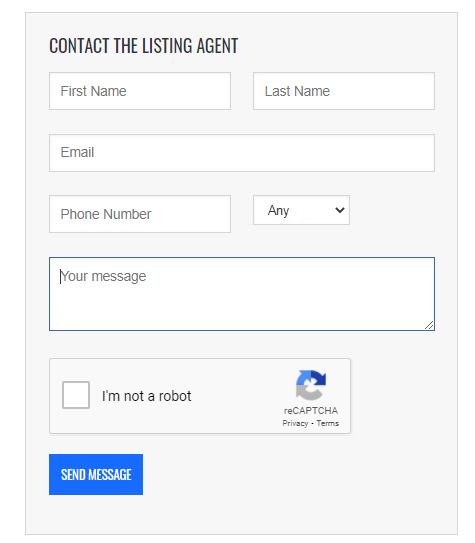 When a member of the public completes this form, First Name and Last Name are required, as is the Email Address. Phone Number is optional, so you may or not may not receive that information with the lead. It is also required that they verify their email address, so you can be sure it is a valid form of contact.
There are 2 ways to obtain leads:
- Brokers have the ability to set up a lead pool for their office. If that is set up, the lead will go to a specific email address inputted by the broker/office admin and then manually distributed accordingly to office policy.
- If the Broker has not made any settings changes, the lead goes directly to your inbox, including all information the member of public has submitted.
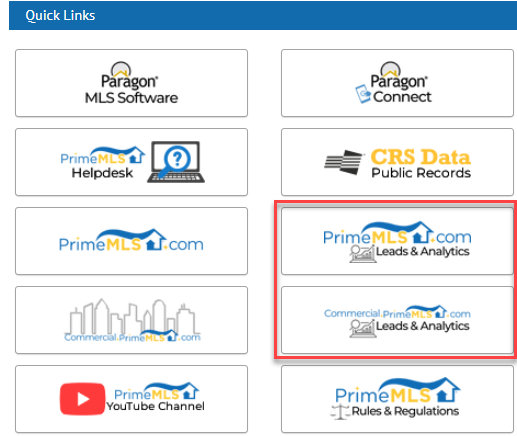
In addition to this, you can go to the member side of the site to view a history of the leads you have claimed and review statistics on your listing. Brokers can go to the member side of the site and set Office Settings for leads. Access to the member side of the public websites is available via the PrimeMLS Dashboard.