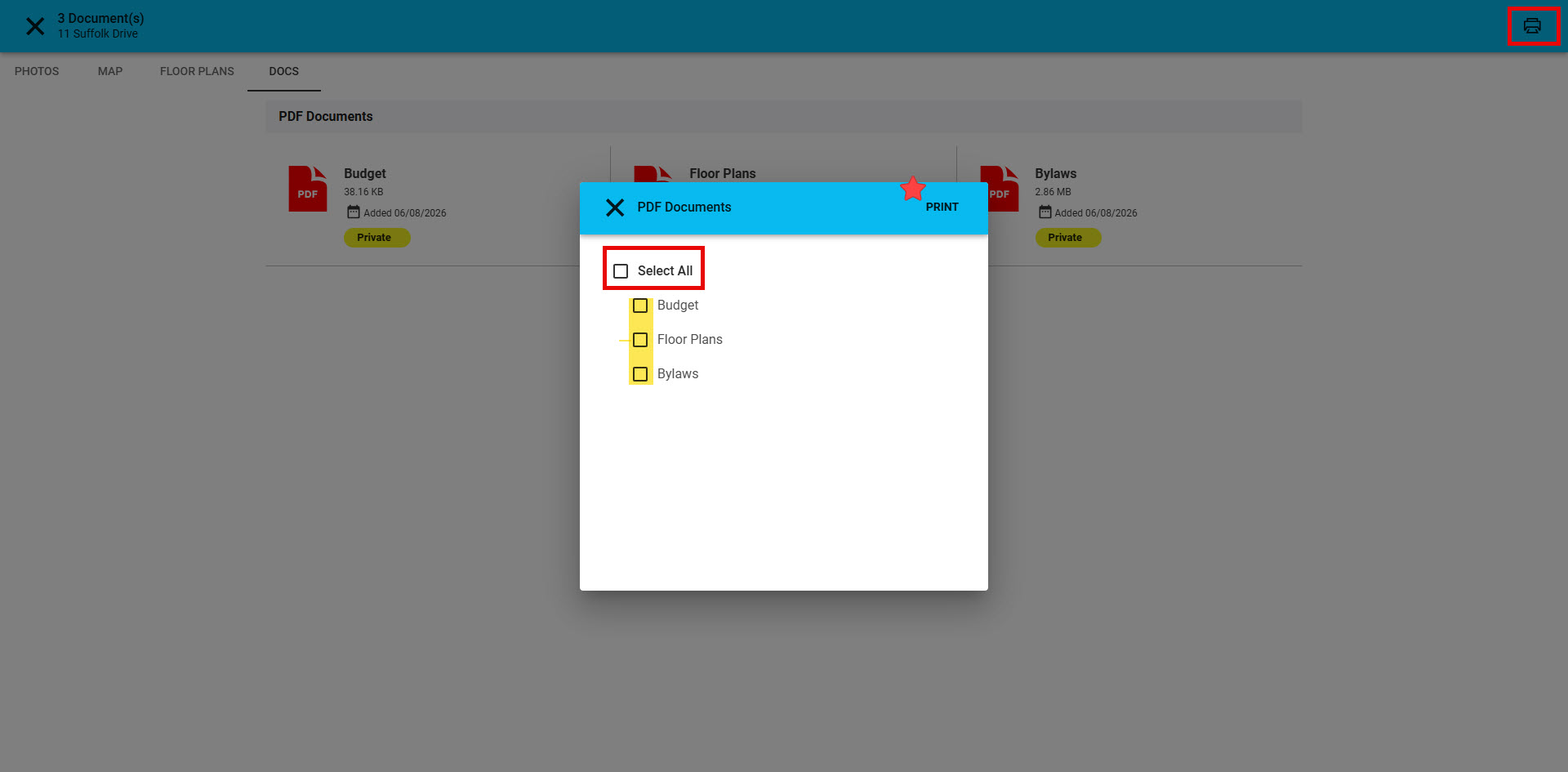
This long-awaited feature is available in Paragon Connect. Select multiple PDF attachments and print them as a single document.
Print Multiple Attachments in One Print Job
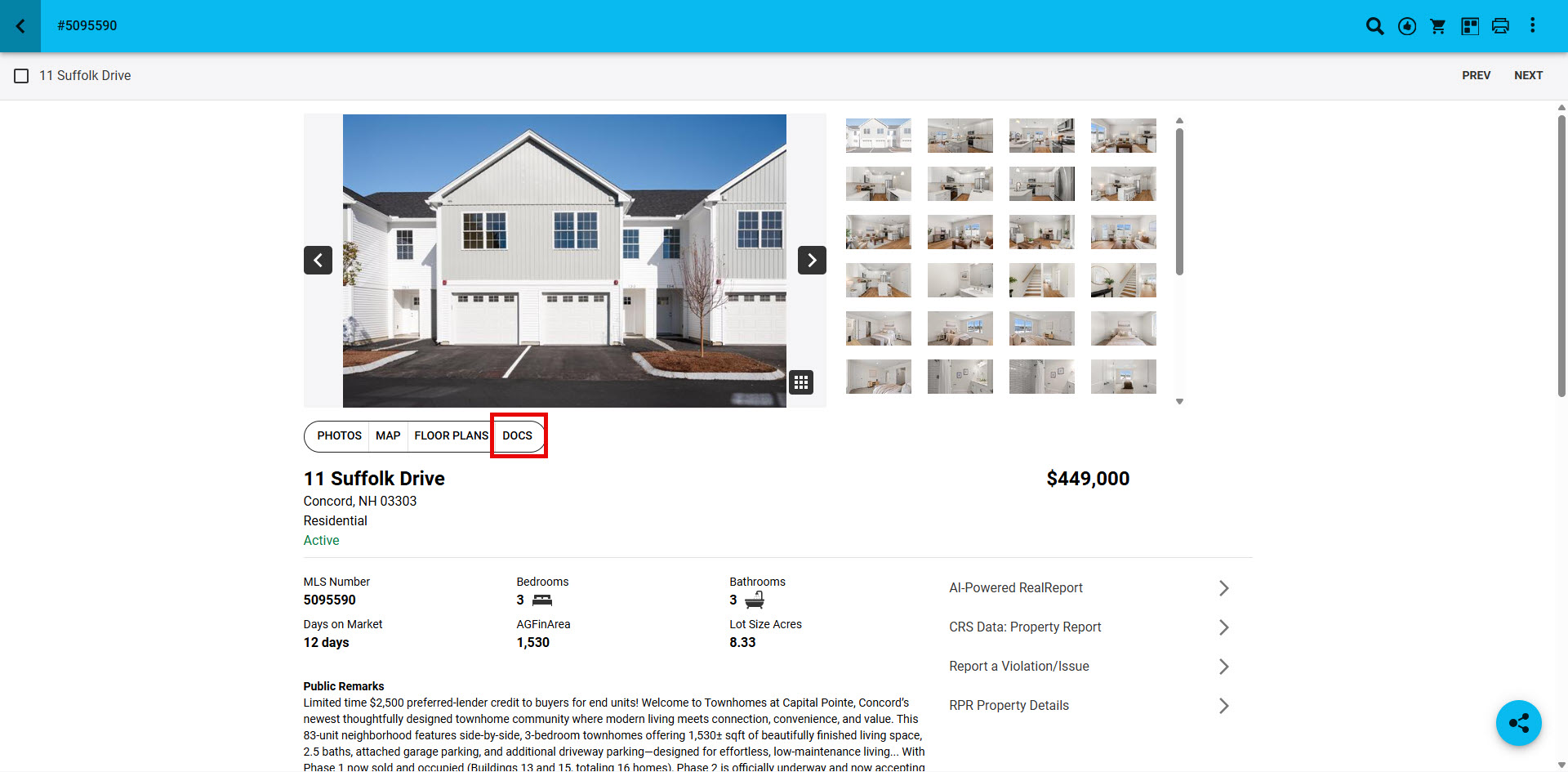
1. From a Paragon Connect Property Report, under the main photo, click on "Docs"
2. From the Docs section documents can be reviewed and printed. To print, click on the top right "printer" icon

3. From the Print pop-up, "Select All" to print all documents in one print job, or individually select the documents you want to print from the doument "checkbox". Click "Print" to print selected documents.