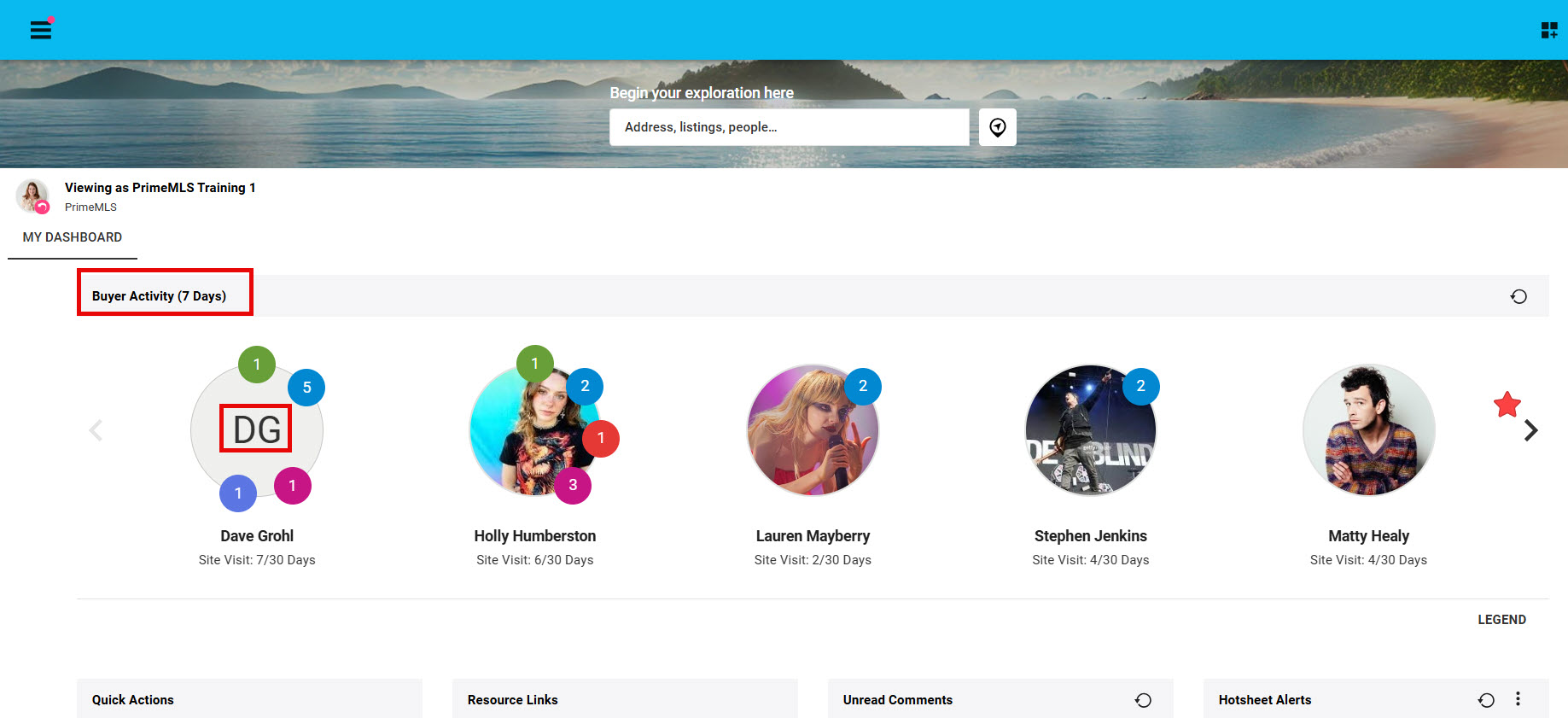
Step 1: From your Paragon Connect Dashboard you have quick access to your Contact from "Buyer Activity"
- You may need to use the right "arrow" to navigate though your contact
- Click on the Contacts Initals of photo to go into "Contact Viewer"
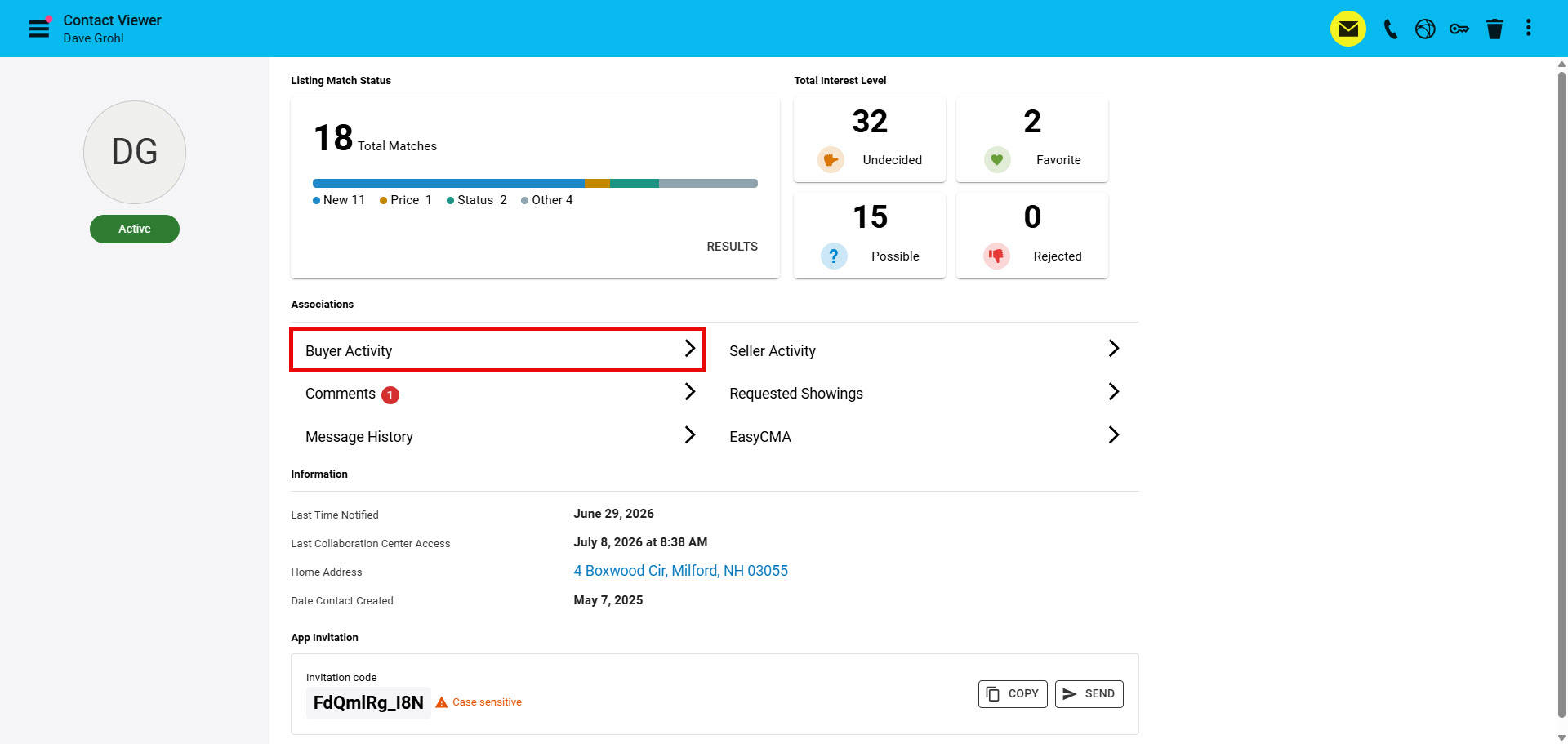
Step 2: Click on Buyer Activity to access your Buyers saved searches
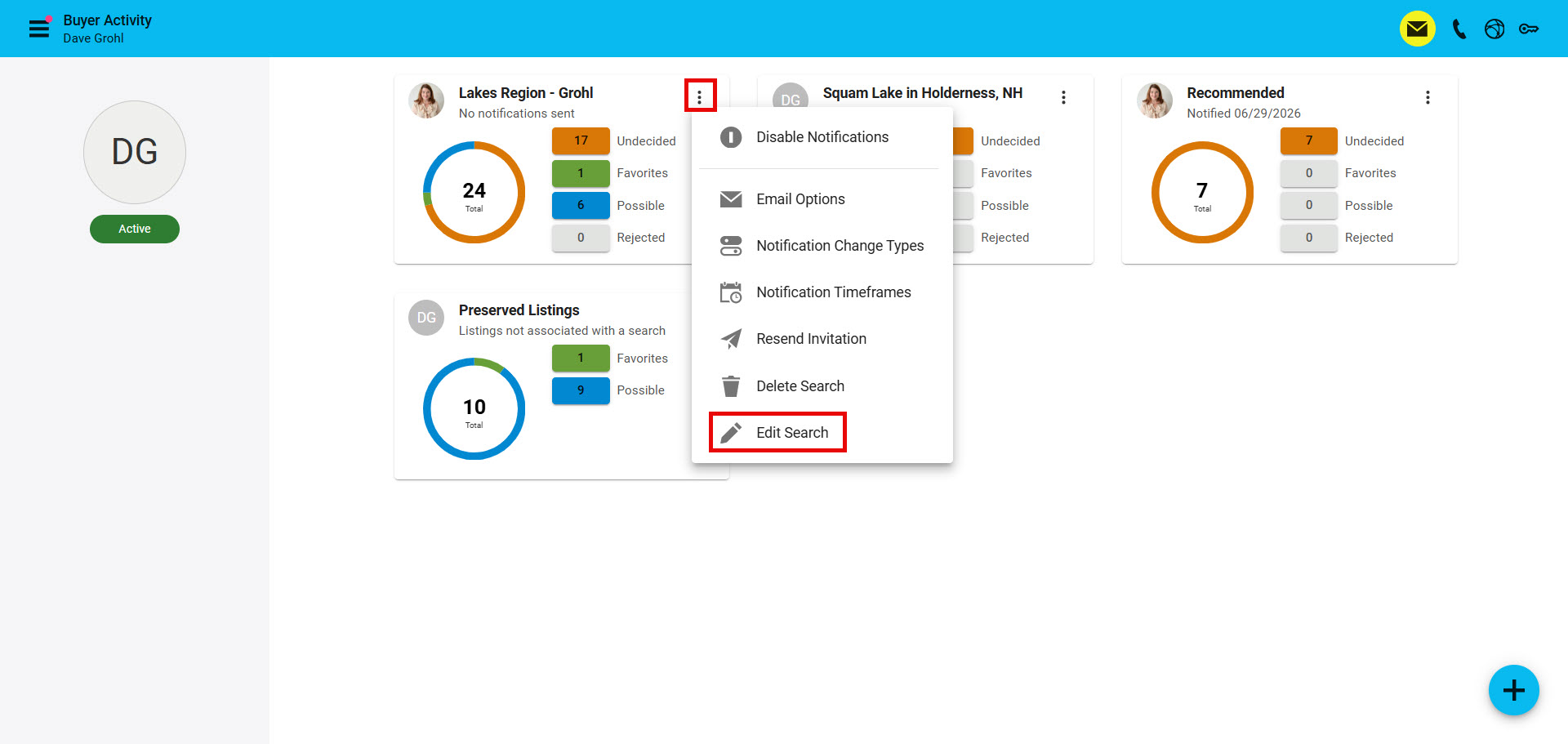
Step 3: From the search you want to edit, click on the "Snowman/Overflow/3 vertical dots" to access "Edit Search
- If the search was created by your Contact you will not have the "Edit Search" option. You can "Delete Search" to allow a new search to be created
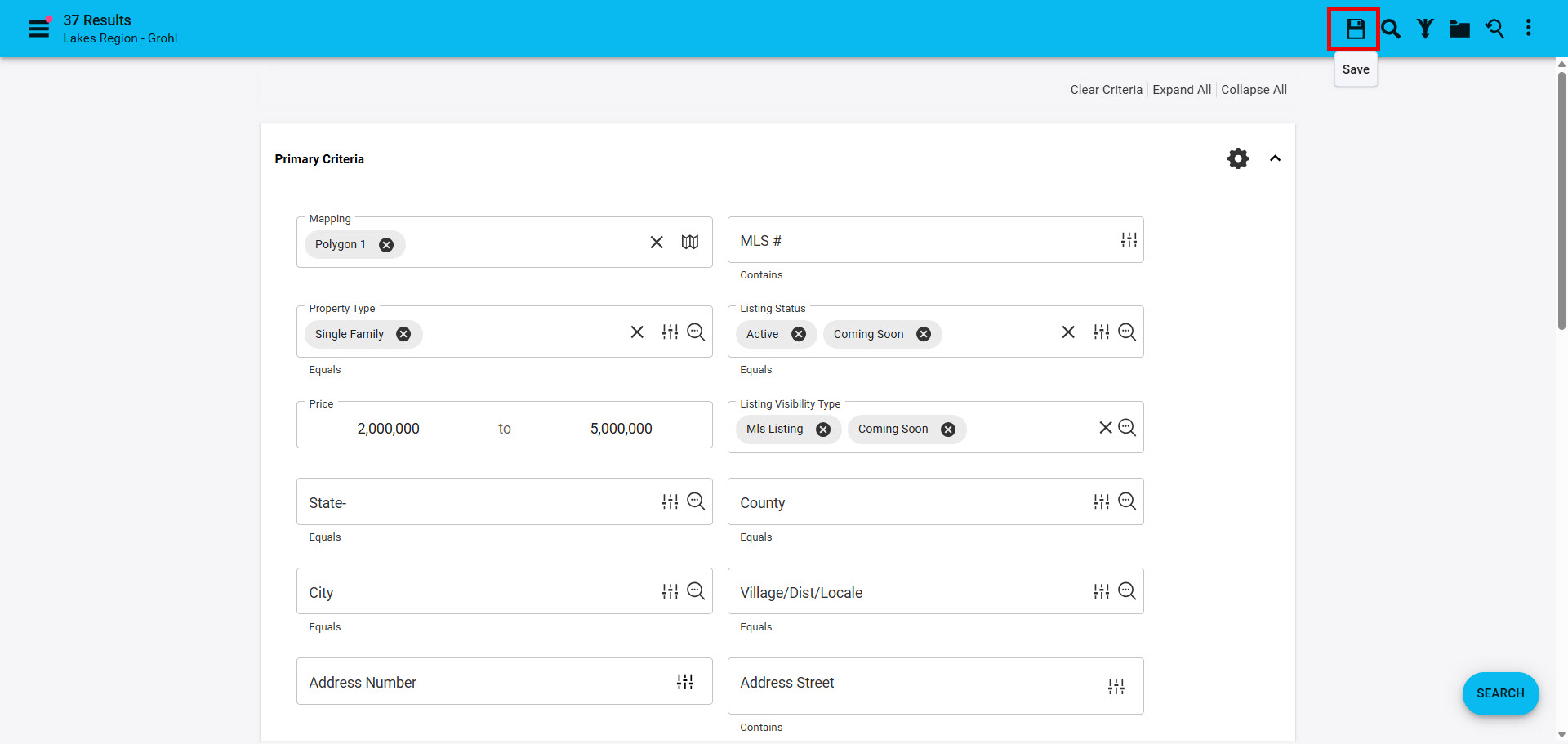
Step 4: Make any necessary changes to the search from the search template, then click the "disk icon/Save" in the top right corner.
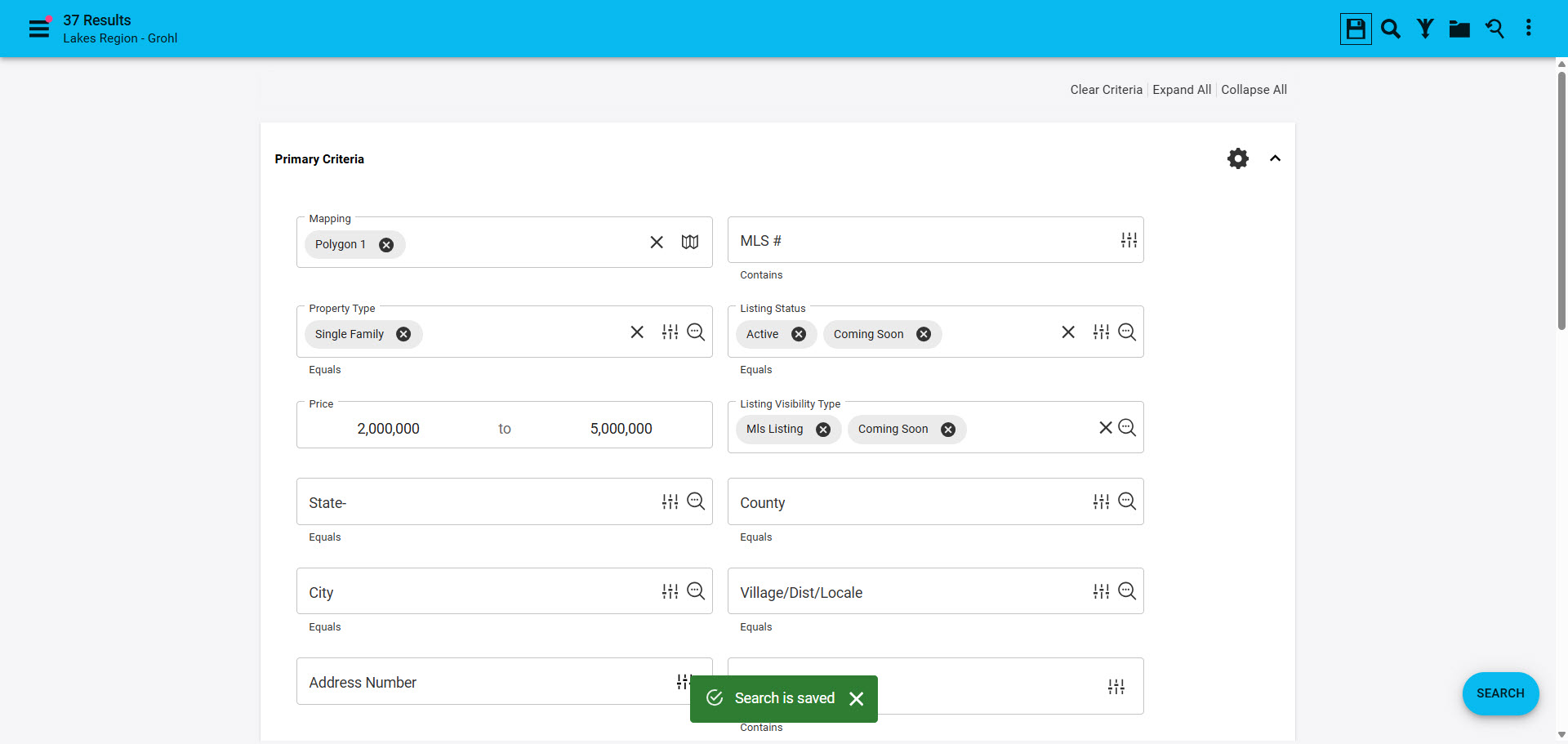
- You will get a green "Search is Saved" to let you know your edits have been saved